

The global eLearning market is projected to reach $336.98 billion by 2026. That’s a massive opportunity if you want to sell online courses.
But at the same time, a large share of online instructors never make any real money.
Data from Udemy shows that about 75% of instructors earn less than $1,000 a year, and only a small group reaches a full-time income. Some estimates put the average earnings at around $3,306 per year.
That’s a strange gap. Why is demand so high, but results are so incredibly low?
It’s probably not a problem with expertise or teaching ability. But it could certainly be a platform issue.
Most course platforms are built to host content, not sell it. They give you tools like landing pages and email sequences. But those only work if you already know how to market your course.
The problem is, most course creators aren’t marketers. They’re teachers!
If you want to take advantage of this market, you need to choose a platform (or a mix of platforms) that supports how you want to sell your content. Some help you get discovered. Others reduce setup friction or give you built-in distribution.
Not every option on this list will fit your goals. Most won’t do everything for you. But each one offers a real advantage depending on how you plan to grow.
Let’s take a look at the best platforms to sell online courses so you can turn that demand into real revenue.
Quick List: 8 Best Platforms for Selling Online Courses
How To Sell Online Courses
There are only a few effective ways to sell online courses. Each approach changes how you make money (and how much extra work you take on).
Option A: Sell Through a Course Platform
This is the most common strategy. Here’s what that usually looks like:
- Build your course (videos, PDFs, worksheets — whatever fits your topic)
- Choose a platform like Gumroad, Payhip, Teachable, or Kajabi
- Set your pricing (one-time, subscription, or payment plan)
- Drive traffic yourself through email, SEO, social, or ads
Sometimes you keep more of the revenue, but you also take on the marketing. And while these platforms offer helpful features, they often come with high monthly costs that cut into your profit.
Some platforms let you add an affiliate program. But in most cases, you have to recruit partners yourself and manage everything. That takes time.
Most of the time, this option works best for creators who already have an audience or want full control over pricing, branding, and customer data.
Option B: Sell Through an Affiliate Network
Instead of doing all the promotion yourself, affiliate networks let other people sell your course for you. You still create the product. But affiliates handle the traffic.
Here’s how it works:
- Host your course yourself (this can be simple — Google Drive, private YouTube links, or a basic membership setup through your own site)
- List it on a platform like Digistore24 or ClickBank
- Set a commission (digital courses often land around 30–50%)
- Give affiliates simple assets (copy, links, maybe a funnel idea)
- Let the network track sales and handle payouts
The big advantage with this option is reach. You tap into a network of people who already know how to sell products like yours. They bring the audience while you provide the product. You can also save on upfront costs. Some affiliate networks are free to join, even for vendors. You’ll still pay commissions, but only when a sale happens.
This option is best for creators who want built-in distribution and faster traction without learning marketing first.
Option C: Platforms That Do Both
In rare cases, you’ll find platforms that combine everything:
- Course hosting and checkout
- Marketing tools and automation
- Access to an affiliate network
This is rare, but ideal. You get a better course experience than a simple file download, while still tapping into affiliate-driven promotion. That means you don’t have to choose between usability and distribution.
Most creators end up combining tools to achieve this, but if you can find a setup that brings everything together, you reduce complexity (and likely cost).
1. Digistore24
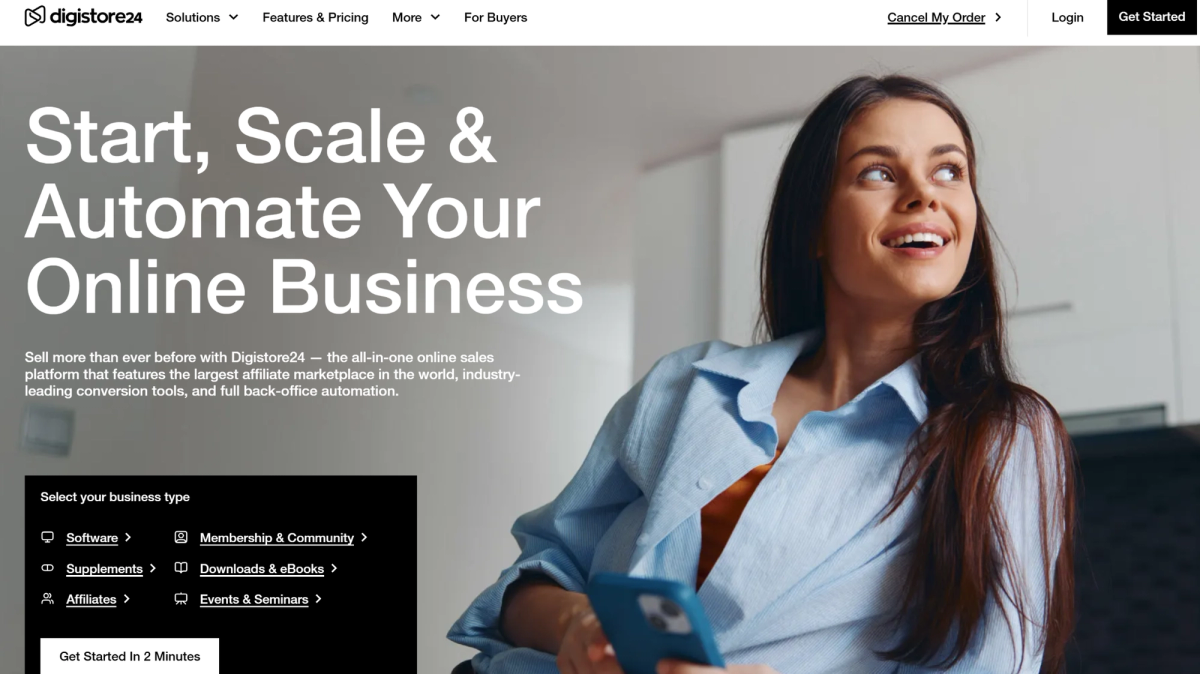
Digistore24 is an affiliate network that makes it easy to sell digital products worldwide without worrying about taxes or compliance. Since launching in 2012 in Germany, it has grown into one of the largest affiliate marketplaces in Europe and has expanded into the U.S.
At its core, Digistore24 is an affiliate-first platform. Instead of relying only on your own marketing, selling your course on Digistore24 allows you to tap into a network of affiliates who promote your content for a commission. This is where many creators gain traction quickly.
As a Merchant of Record, Digistore24 also handles payments, taxes, invoicing, and refunds (and all the associated risk) for you. That removes a major layer of complexity, especially if you’re selling globally. It also includes built-in upsells and split testing to help increase conversions and average order value.
If that wasn’t enough, new users get hands-on onboarding from day one, along with fast email and ticket support from the Digistore24 team.
Key Features
- Customizable Checkout: Built-in checkout system with upsells, multi-offer funnels, and localized payments across 30+ countries.
- Affiliate Marketplace: You get immediate access to partners who can promote your course.
- Conversion Tools: Split testing and real-time analytics help you improve sales over time.
Entry & Cost
- Barrier to Entry: Very low. Vendors go through a quick review (usually 48 hours to 5 days), and affiliates are often approved instantly.
- Pricing: Digistore24 is free to join (for both vendors and affiliates). No monthly fees. Pricing is performance-based (typically 7.9% + $1 per sale).
2. Kajabi
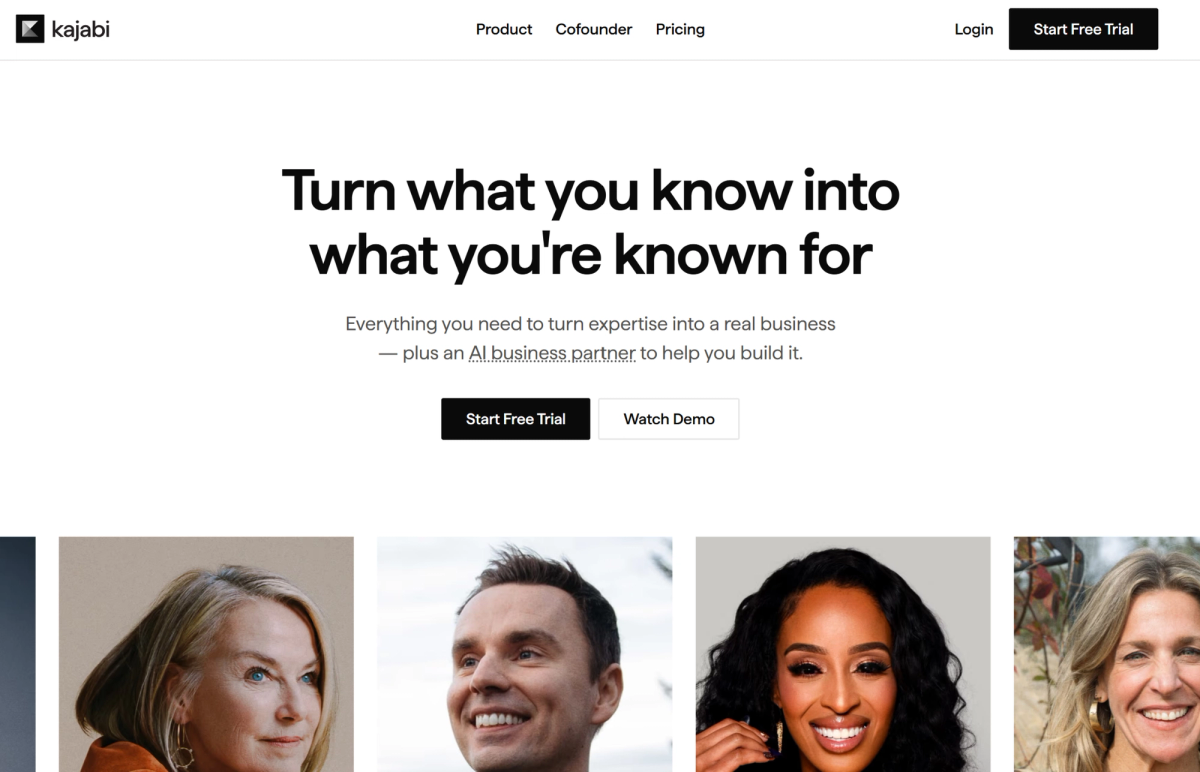
Kajabi was founded in 2010, when two creators couldn’t find a viable way to sell their digital product — so they built one. Over time, it has grown into one of the most recognized all-in-one platforms for course creators.
Kajabi is a course-hosting platform. You host your course, build pages and email campaigns, and process payments all in one place. Checkout is handled inside Kajabi, keeping the buying experience smooth and on-brand.
However, while it gives you the tools to sell, it doesn’t do the selling for you. That’s an important distinction. The platform includes funnel builders and email automation, but you still need to know how to use them effectively.
Kajabi also supports affiliate programs. You can recruit partners, give them tracking links or coupon codes, and manage payouts yourself. It’s simple to set up, but you’re still responsible for finding affiliates, handling payments, and running the program on your own.
The biggest drawback is cost. Kajabi is one of the more expensive options on this list, and for many creators, the price only makes sense if you already have an established audience (or a large budget to play with).
Key Features
- Comprehensive Platform: Kajabi includes course hosting, landing pages, email automation, and built-in checkout.
- Affiliate Functionality: Supports partner promotion with trackable links and coupon-based attribution.
- AI Assistant: Helps with course creation, messaging, and basic marketing workflows.
Entry & Cost
- Barrier to Entry: High. The tools are powerful, but the price and learning curve make it harder for beginners. Free trial available.
- Pricing: Starts at $179/month. Affiliate features require the Growth plan at $249/month.
3. ClickBank
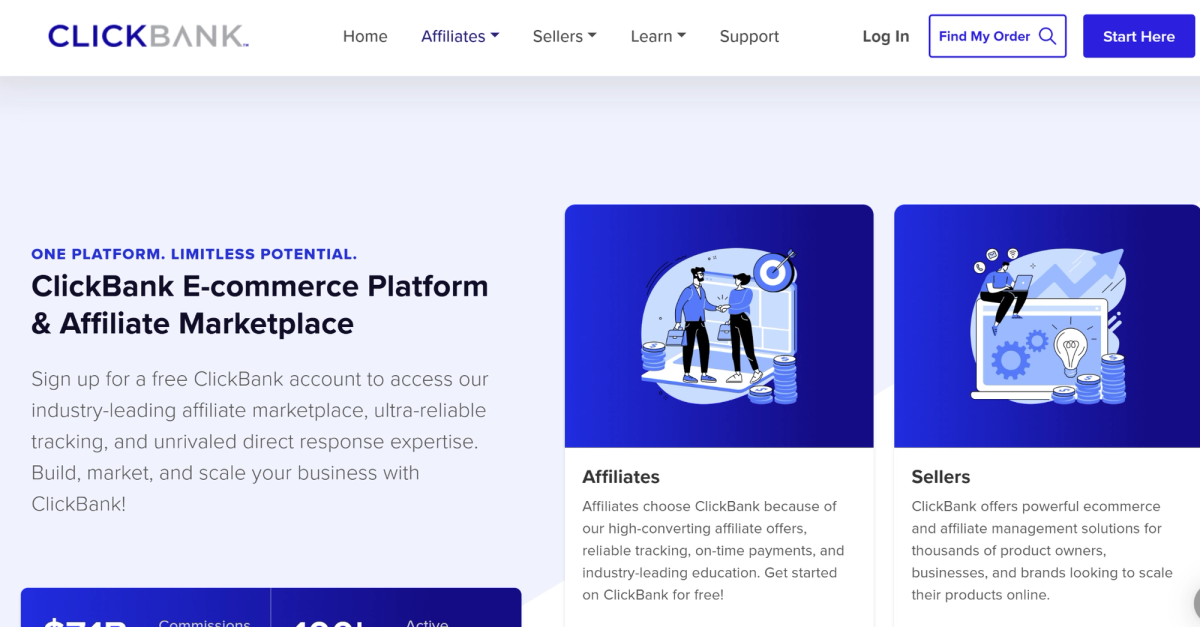
ClickBank has been around since 1998, making it one of the oldest platforms in this space. Long before most modern platforms existed, ClickBank was already connecting product creators with affiliates. Today, it still has a massive network, with over 100,000 active affiliates promoting offers across many niches.
Like Digistore24, ClickBank is an affiliate network focused on digital products. You list your course, set a commission, and let affiliates drive conversions. That’s the core appeal. If your offer is strong, you can gain traction without building an audience from scratch.
It also operates as a Merchant of Record. ClickBank handles payments, billing, and refunds for you, so you don’t need to set up your own checkout system or deal with global tax issues. For many sellers, that removes major barriers.
However, the marketplace is crowded (with both high- and low-quality offers). ClickBank has developed a reputation for aggressive marketing tactics in some niches, which can impact how buyers and affiliates view new digital products (especially courses).
There are also structural downsides to ClickBank. The interface often feels dated, and the refund policy is unusually long. In some cases, commissions can be clawed back several months after a sale, making revenue less predictable.
Still, for creators focused on distribution, ClickBank offers audience reach that’s hard to match.
Key Features
- Built-In Marketplace: Access a large network of affiliates experienced in promoting digital products.
- Conversion Tools: Features like PitchPlus (post-purchase upsells) and advanced checkout tools help increase AOV.
- Merchant of Record Model: Handles payments, invoicing, and refunds across global transactions.
Entry & Cost
- Barrier to Entry: Very low. Easy for vendors to launch and for affiliates to join and start promoting.
- Pricing: $49.95 one-time activation fee, plus ~7.5% + $1 per sale.
4. Gumroad
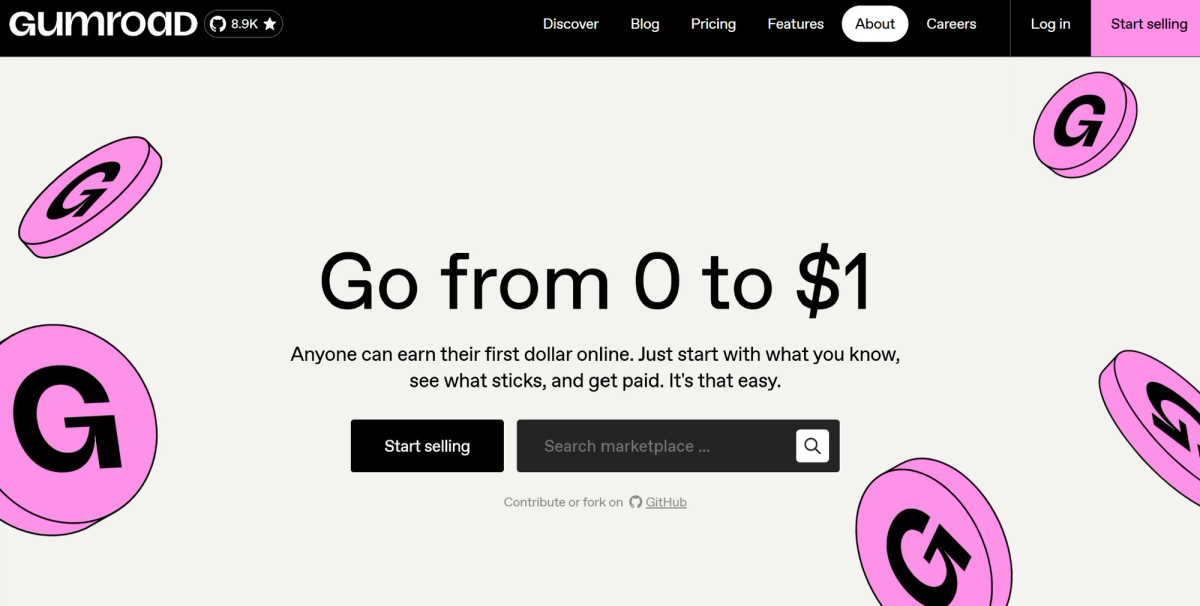
Gumroad launched in 2011 with one goal: make it dead-simple to sell digital products online. No storefront, no funnel, no setup. Just upload your product, share a link, and start selling.
That simplicity is what made it popular early on with indie creators who wanted to make money fast without building a full business. Over time, Gumroad leaned into that identity. Instead of an all-in-one platform, it focused on staying lightweight and creator-friendly.
That’s still its biggest strength today. You can sell courses, memberships, or downloads with almost no friction. Gumroad handles checkout, delivers your content, and manages payments for you.
Similar to Digistore24, Gumroad acts as a Merchant of Record, taking care of taxes, compliance, and billing. That’s a big advantage if you’re selling globally. However, there are also concerns around Gumroad’s reliability. Some users report issues with payouts or checkout experience, and support is often described as minimal.
Gumroad also offers very little built-in marketing. There are no real funnel tools or advanced automation. You’re responsible for traffic. While it does offer basic affiliate tools, you’re still managing the program yourself.
Overall, Gumroad is great for getting started quickly. But for serious business owners, it may just be a short-term stop before moving to a more scalable solution.
Key Features
- Extremely Simple Setup: Get started easily with hosted product pages and shareable checkout links.
- Merchant of Record: Gumroad handles payments, taxes, and compliance automatically.
- Course-Specific Features: Supports membership functionality, tiered pricing, and basic affiliate link tracking.
Entry & Cost
- Barrier to Entry: Very low. No upfront cost and minimal setup required to start selling.
- Pricing: ~10% + $0.50 per sale via direct sales. Up to 30% when sales come through Gumroad’s marketplace.
5. Teachable
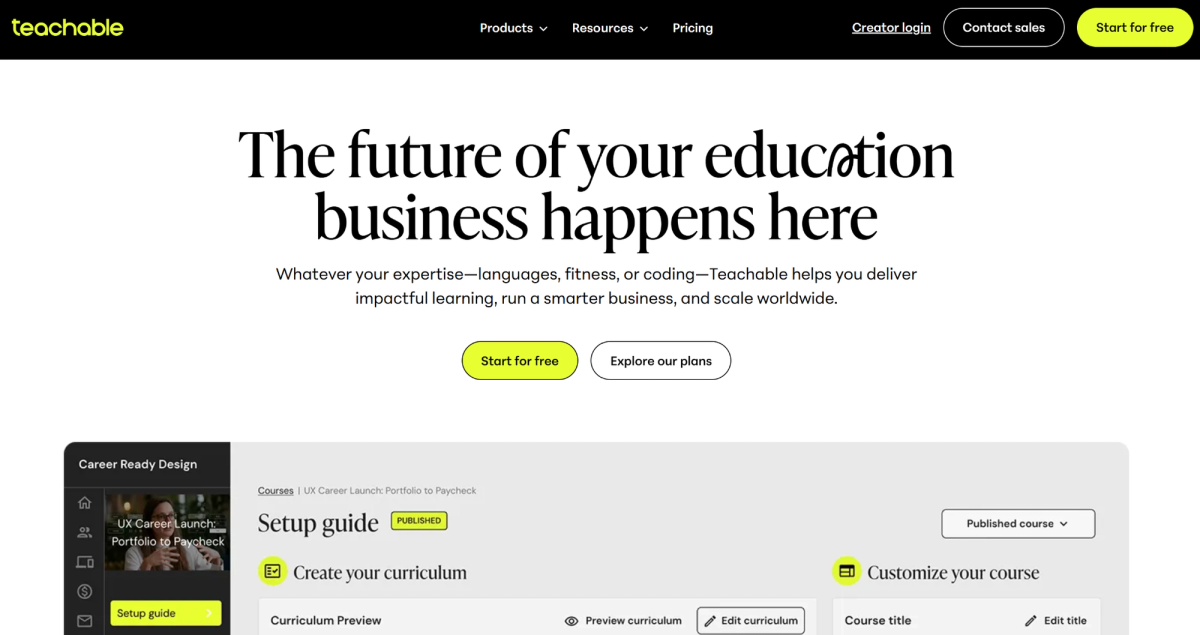
Teachable started as a side project. The founder was selling a course on Udemy but didn’t want to give up control of his audience. So he built his own platform to host and sell directly. His idea took off fast, and within a few years, Teachable had thousands of creators and hundreds of thousands of students on the platform.
Teachable sits in the middle of the market. It’s not as simple as Gumroad, and not as “all-in-one” as Kajabi. It focuses on giving creators a clean, structured way to build and sell courses in a professional interface. You can upload your content, organize lessons, set pricing, and start selling quickly. Teachable handles payments, student access, and basic tax management — all of which makes it easier to get started.
But for growth, you’re still responsible for marketing. Teachable includes tools like landing pages and email features, but they’re limited compared to full marketing platforms. It does offer a fairly basic affiliate system. You can generate links and track referrals, but it lacks the deep analytics and built-in marketplace needed to actively drive traffic for you.
Teachable support has mixed reviews. Some users get helpful responses, while others report slow turnaround times.
Key Features
- Course-Focused Features: Simple course builder with drag-and-drop pages, built-in checkout, and structured lesson delivery.
- Affiliate Support: Teachable allows link-based tracking for partners (available on higher-tier plans).
- AI Tools: Built-in translation for 70+ languages and basic content support features.
Entry & Cost
- Barrier to Entry: Moderate. Easy to start, but meaningful marketing features require higher-tier plans.
- Pricing: Starts at $39/month with a 7.5% transaction fee. Higher plans remove transaction fees.
6. Thinkific
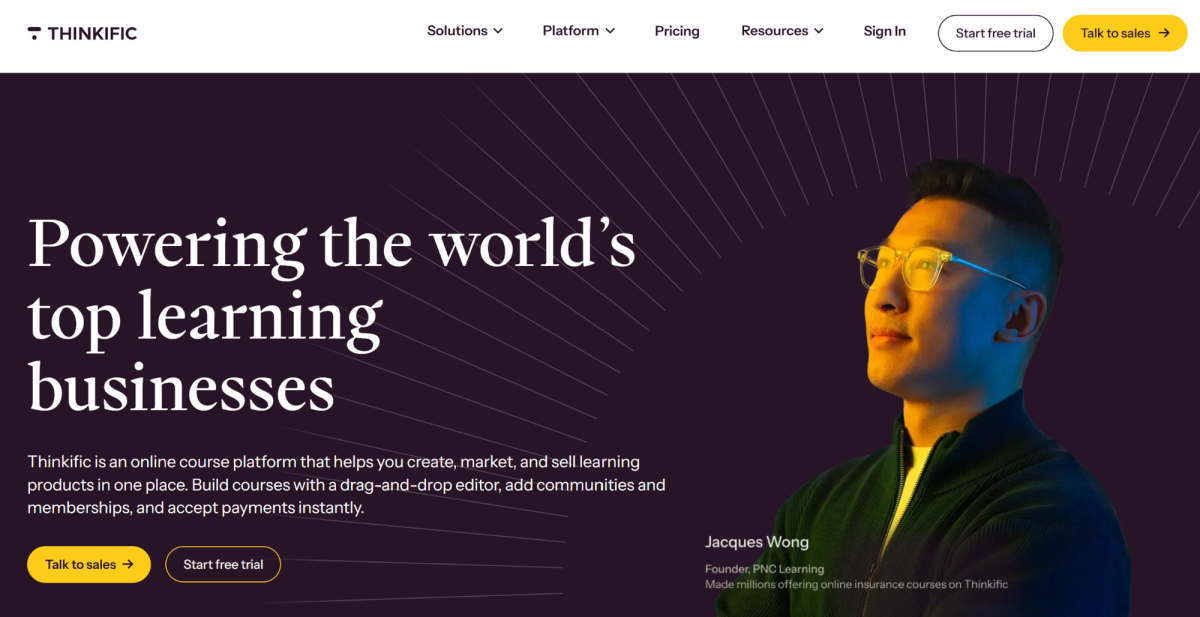
Thinkific was founded in 2012 by a course creator who, after selling his own LSAT prep course, earned more than with his legal career. He built Thinkific to help other experts do the same. What started as a hands-on service turned into a full platform that now supports tens of thousands of creators.
Thinkific positions itself as a “learning commerce” platform that gives you more control than other solutions. You build your course, set your pricing, and own your audience. Unlike marketplaces, you’re not competing inside someone else’s ecosystem. It’s closer to a Shopify-style model, where your course business runs on your own site. However, the checkout is built in and connects with tools like Stripe and PayPal.
But that also means you are the Merchant of Record. You’re responsible for taxes, compliance, and refunds. Marketing is also on you. Thinkific includes some automation and basic affiliate tracking, but there’s no built-in marketplace or real distribution layer. You have to bring the traffic yourself.
Thinkific support is a mixed experience. Some users report friendly interactions, but many say it’s hard to get timely help when issues arise.
Key Features
- Full Control: You own your course business, including branding, pricing, and customer data.
- Built-In Checkout: Stripe and PayPal integrations for direct payments.
- Strong Branding Control: Option to create a branded mobile app and use basic email automation tools.
Entry & Cost
- Barrier to Entry: Moderate. Lower starting price, but key features and customization often require upgrades.
- Pricing: Starts at $49/month. Higher tiers unlock advanced features like certificates and deeper customization.
7. Payhip
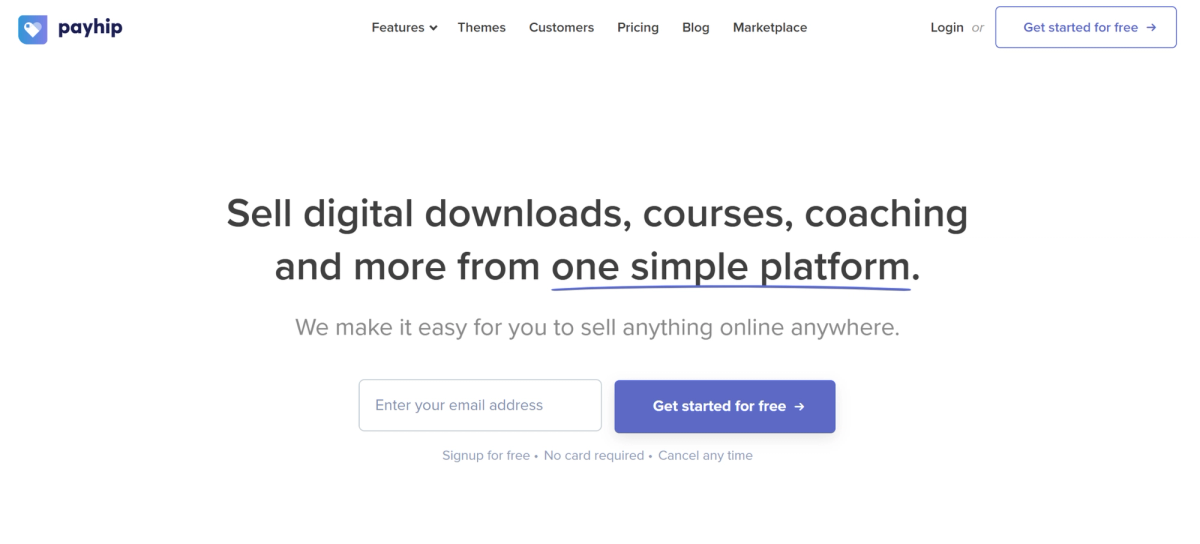
Payhip launched in 2011 to give independent creators a clean, low-friction way to sell digital products without building a full website. Over time, it expanded into courses, memberships, and even physical products while still keeping its core simplicity.
Payhip sits in a similar lane as Gumroad, but with better structure. You can build a storefront directly on the platform or embed its checkout into your existing site. That flexibility is a big advantage if you want more control over branding and presentation without giving up an easy backend. That said, customization is still limited in some areas. Things like translation support can become an issue as your audience grows.
You can sell courses, downloads, coaching, or subscriptions on Payhip. The platform handles delivery, payments, and basic email features in one place. It also supports VAT handling in the EU and UK, which helps if you’re selling internationally (though outside those regions, you’re still responsible for tax compliance). Customer support is also a strong point with Payhip. Many users report fast, helpful responses.
Where Payhip stands out is speed and pricing. You can go from idea to live product quickly, and the pricing model is fair and low-risk compared to most platforms.
But like others in this category, it doesn’t solve the promotion problem. There’s an affiliate feature, but it’s very basic. You’ll still need to recruit and manage partners yourself.
Key Features
- Flexible Hosting: Create a Payhip-hosted storefront and/or embed the checkout on your own site.
- Strong Course-Focus: Supports courses, memberships, and digital products with built-in delivery and email tools.
- Tax Handling: Handles VAT automatically in the EU/UK and integrates with Stripe and PayPal for global payments.
Entry & Cost
- Barrier to Entry: Low. Free plan makes it easy to start and scale as you grow.
- Pricing: Free plan ($0/month + 5% fee). Paid plans reduce transaction fees with no limits on products or revenue.
8. Skillshare
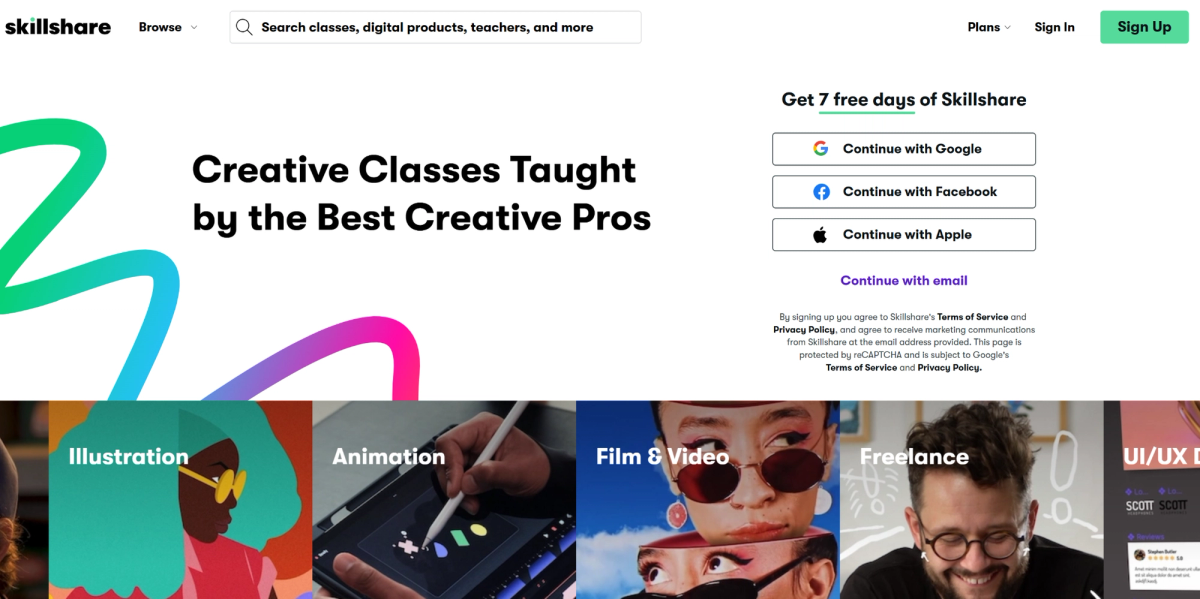
Skillshare launched in 2010, originally offering both in-person and online classes. The big shift came when it moved to a subscription model. Instead of selling courses one by one, it gave users unlimited access for a recurring fee. That change helped it scale quickly into a platform with thousands of classes and millions of users.
For course creators, Skillshare works differently from most platforms on this list. If Kajabi or Teachable are like YouTube (where you build your own channel), Skillshare is closer to Netflix. You don’t sell your course directly. You publish it into Skillshare’s ecosystem, and they handle everything — checkout, payments, and distribution. Students subscribe to the platform, not specifically to your content.
That built-in audience is the main advantage. People are already on Skillshare, looking to learn something. If your course fits, you can gain immediate traction without building your own traffic.
But that convenience comes at a cost. You don’t control your pricing for courses and you don’t fully own the customer relationship. Your earnings come from watch time, not direct course sales. You can charge directly for 1:1 lessons, but only select teachers are eligible for this option (and even then, Skillshare takes 10% of the session fee).
There are also strict rules around promotion. You can’t promote your own products or brand during lessons on Skillshare (only in the intro and outro), making it harder to move students into your own ecosystem at any point.
Entry is also more controlled. You need to apply and meet quality standards to have your course on the platform at all.
Skillshare can work well for exposure. But for most creators, it’s not the strongest path to consistent revenue — and it can be hard to transition even after building an audience.
Key Features
- Built-in Audience: Skillshare uses a subscription platform model, so you won’t need your own checkout or payment setup.
- Interactive Learning Tools: Supports projects, feedback, and community discussions within courses.
- Creator Dashboard: Provides insights into watch time, engagement, and class performance.
Entry & Cost
- Barrier to Entry: Medium to high. You must apply and meet platform quality standards to become a teacher.
- Pricing: Free to join (if approved). Earnings are based on watch time. 1:1 sessions (available only for certain approved teachers) include a ~10% platform fee.
Final Thoughts
Selling online courses can be a lucrative business. The demand is there, and it’s still growing. But the platform you choose matters more than you might think.
Most course platforms give you solid tools. You can build pages, send email sequences, and host content with ease. But those tools don’t guarantee sales. In most cases, you’re still responsible for traffic. Without an audience or a clear marketing plan, growth can be slow.
But remember — you can host your online course almost anywhere (Google Drive, YouTube, or a dedicated hosting platform). What matters more is how you sell it.
That’s where affiliate networks have an advantage.
There are likely thousands of affiliates already creating content in your niche (with an audience that trusts them). When they promote your course, they’re reaching people who are already interested in learning more about your field. That lowers the barrier to conversion immediately.
But where most platforms only handle either hosting or marketing, Digistore24 can do both. The platform also handles tracking, payouts, infrastructure, and all the risk that comes with the boring backend.
But more importantly, you don’t have to rely only on your own marketing. Just teach what you know best and let the platform handle the rest.
Start faster. Reach more people. Scale without the backend burden.