

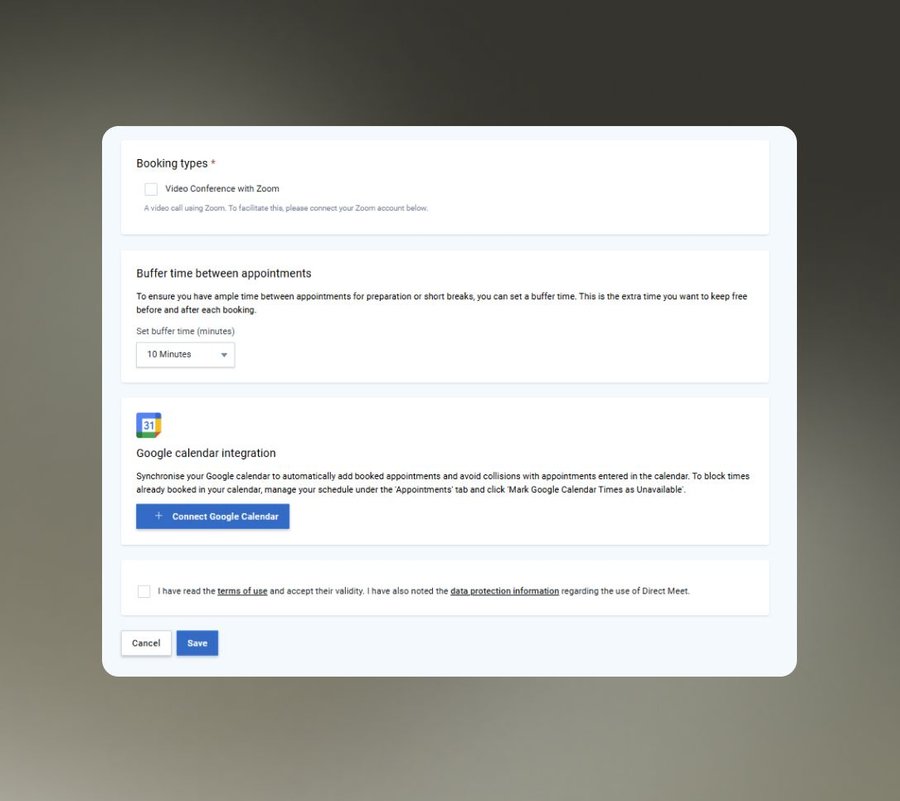
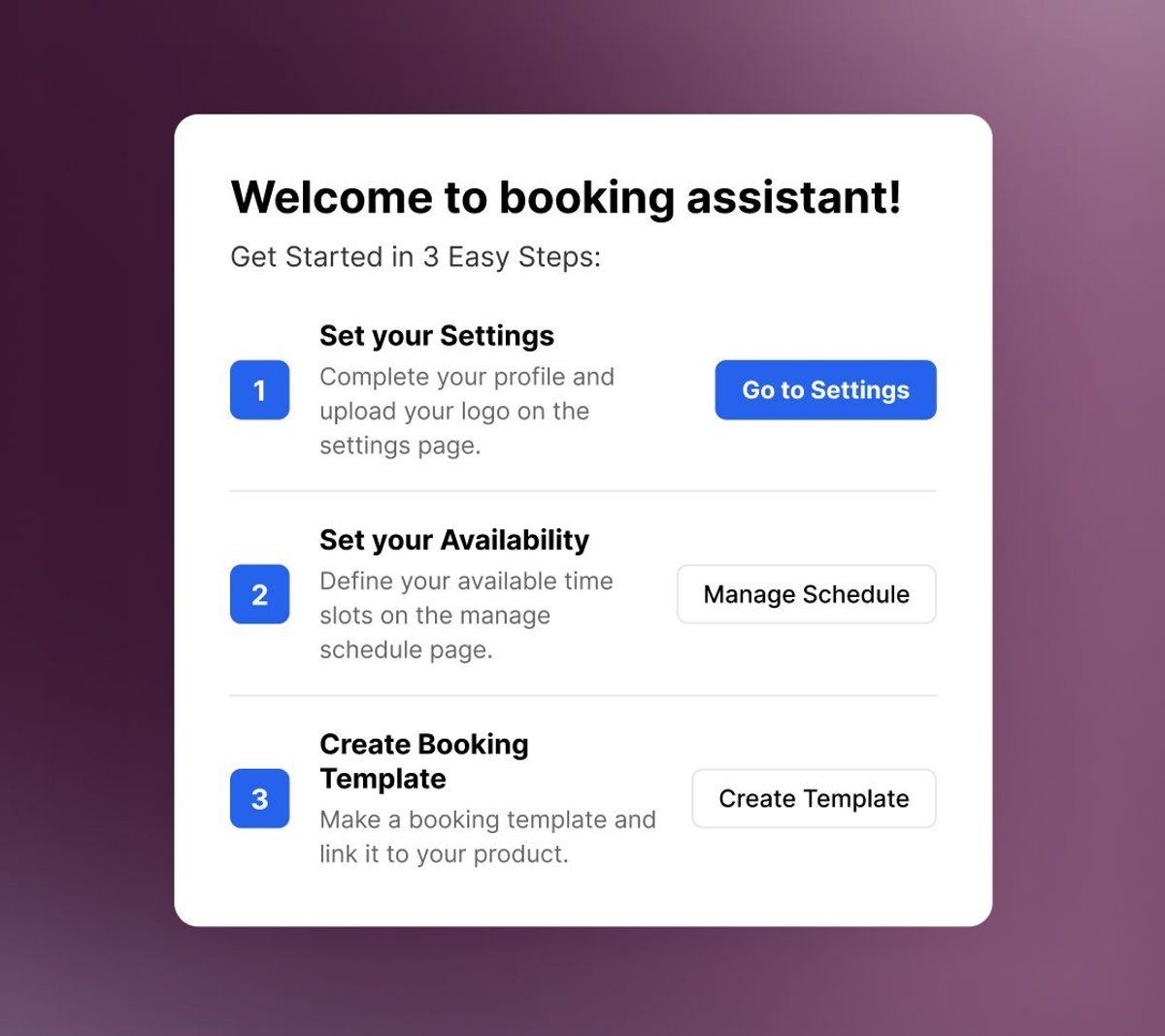
After purchase, the buyer is shown your available time slots based on your live calendar availability. They select a slot, the appointment is confirmed instantly, and the booking is written to your Google Calendar. For virtual sessions, a Zoom link is generated and attached to the calendar event automatically.
Buyers Book Their Session Right After Payment
A coaching call, a consultation, an appointment: the buyer should be able to schedule the moment they pay. The Booking Calendar lets buyers select their session immediately after checkout, syncs with Google Calendar, and generates Zoom links automatically. No back-and-forth emails. No third-party scheduling tool.
How it Works
Booking Calendar
- Google Calendar sync. Bookings write to your calendar automatically. Your availability shown to buyers always reflects your actual open slots, with no manual updates.
- Automatic Zoom link generation. Virtual session bookings include a Zoom link in the calendar invite, generated and attached without manual setup per appointment.
- Native to your sales flow. The booking step is part of the buyer's purchase journey, not a separate platform they have to navigate to after the fact.
Main Benefits
Bookings That Happen in the Same Moment as the Sale
Capture the appointment while buyer intent is at its peak.
01
Eliminate Post-Purchase Scheduling Friction02
Stop Paying for Standalone Scheduling Tools03
Run Virtual Sessions Without Setup

Ready for Bookings That Run Themselves
Service businesses lose revenue at the gap between purchase and scheduling. Close that gap. Build the booking into the buying flow and watch your no-show rate fall.
Continue Exploring
More Brands Features
- Refund & Chargeback Management
- Merchant-of-Record & International Compliance
- Automatic Tax Calculation & Filing
- Automated Accounting & Invoicing
- Automated Affiliate Payouts
- Reliable Payment Processing
- Legal & GDPR Compliance
- Billing & End-Customer Support
- Fraud Prevention
- Custom Employee Access Rights
- Ultra-Secure Servers That Never Go Down